




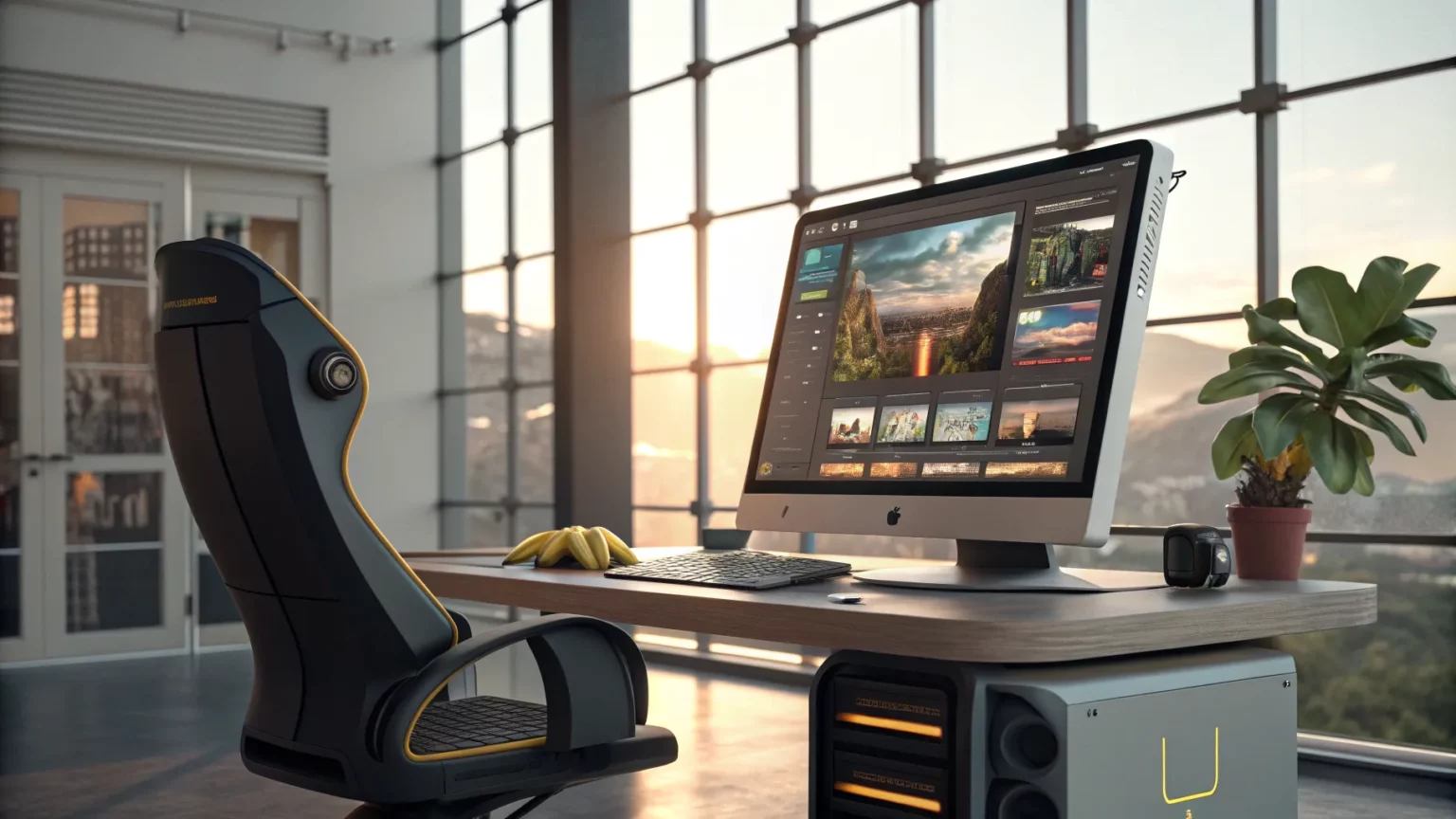
Google is introducing a tool referred to as Nano Banana that uses artificial intelligence to generate and edit images, signaling another step in consumer-facing creative software. The brief announcement suggests users will be able to try the feature soon, raising fresh questions about access, guardrails, and how it fits into Google’s growing suite of AI products.
The core pitch is straightforward: a Google feature that can create pictures from text and adjust photos. While details remain limited, the promise ties into a race among tech firms to bring smart image tools to phones and the web.
What Google Is Signaling
“Google Nano Banana can use AI to generate and edit images. Here’s how to try it out.”
The message hints at a dual purpose: image generation from prompts and image editing for existing photos. That twin focus mirrors popular features in the market, from background replacement to object removal and style changes. Google has already rolled out adjacent tools across its products, including AI-assisted edits in Google Photos and research work in text-to-image models.
What remains unclear is whether Nano Banana is a standalone app, a test within existing Google services, or a feature bundled with Android or Google Photos. The short teaser offers no release date, device list, or geographic availability.
How Similar Tools Work
AI image tools generally rely on large models trained on massive image datasets. They accept a text prompt and produce a picture, or they analyze a photo to alter lighting, remove objects, or add elements. Safety filters often block harmful or copyrighted outputs. Performance depends on device power, network access, and model size.
Across the industry, companies have also tied these features to identity and safety checks, sometimes limiting use for minors or placing stricter filters on realistic faces.
How to Try It
With official details still sparse, users can prepare by watching standard Google release channels and enabling early-access features when they become available.
- Check Google’s official blog and product pages for a sign-up link or waitlist.
- Update Google apps (Photos, Search, or Android system components) to the latest versions.
- Look for a Labs or Experiments toggle in Google apps that may host early tests.
- Review any usage policies, age requirements, and content rules before generating images.
- Test on a secondary account if you want to separate experimental projects from personal libraries.
If the feature rolls out gradually, access may arrive first in select regions or on certain devices.

Why It Matters
AI image tools have moved from research to everyday use in less than two years. Generative features now appear in phones, design software, and search platforms. Bringing those features under a Google label could expand reach to hundreds of millions of users.
Educators, artists, and marketers have mixed views. Some see faster workflows and new creative options. Others worry about misuse and the effect on creative jobs. Clear labeling, provenance metadata, and strict filters are key to reducing confusion and abuse.
Risks and Guardrails
Experts say safeguards should address three common problems: misleading photos, copyright conflicts, and biased outputs. Google and other firms have added content filters, usage policies, and detection tools to reduce these harms, but none are perfect. As access grows, so does the need for transparent rules and easy reporting tools.
Users will also want to watch for data practices. Image uploads, prompts, and edits may be used to improve services, depending on settings. Reading privacy notes before turning on new features can help you manage that risk.
What Comes Next
Early testers often shape how these tools evolve. If Nano Banana reaches public trials, feedback could guide prompt controls, edit types, and export options. The most requested features tend to include background editing, realistic lighting, and simple sliders for style and tone.
For professionals, the key question is whether output quality and licensing terms meet commercial needs. For casual users, ease of use and clear limits matter most.
Google’s short tease suggests the company is preparing to add another entry to the AI image space. The details will determine whether it becomes a staple feature or a limited test. Watch for official access links, clear safety notes, and early reviews to see how well it handles real-world prompts and photos.