






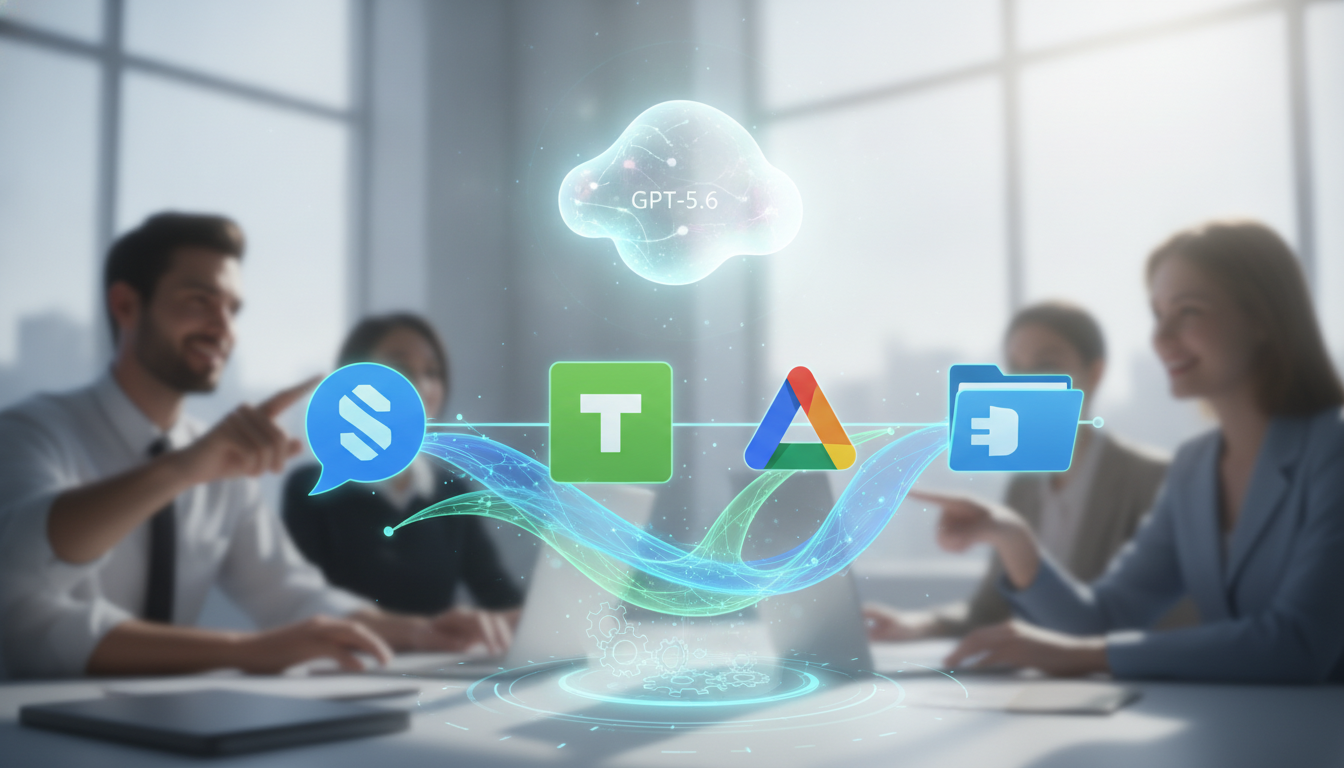
ChatGPT Work is expanding into the office stack, promising automated workflows across Slack, Microsoft Teams, Google Drive and SharePoint. The update, announced this week, centers on task automation powered by GPT-5.6 and scheduled background runs. The company positions the release as a way to reduce manual follow-up and routine coordination across the most used collaboration tools.
The move highlights a race to embed AI directly inside daily work. Vendors are vying to turn messaging threads, file systems and team spaces into action hubs. With this release, ChatGPT Work seeks to claim a seat in team chat, document storage and enterprise content management.
“ChatGPT Work connects with Slack, Microsoft Teams, Google Drive and Sharepoint to automate tasks using GPT-5.6 and scheduled background workflows.”
What the New Release Does
The product links to Slack and Microsoft Teams to watch channels, parse messages and trigger actions. It also connects to Google Drive and SharePoint for document search, filing and updates.
Scheduled workflows allow recurring checks and follow-ups. Teams can set rules to summarize threads at set times, extract action items or move files based on labels.
The company highlights GPT-5.6 for language tasks. That includes drafting replies, generating summaries and mapping next steps from unstructured conversations.
- Chat integrations: monitor channels, summarize, propose replies.
- Drive integrations: search, tag, move, and version files.
- Schedulers: run jobs at set times without user prompts.
Why It Matters for Teams
Most office work happens in chat and shared drives. Employees spend hours searching threads, asking for updates and reorganizing content. Automation inside these tools can cut that time and reduce missed due dates.
Putting AI inside channels changes how teams collaborate. Instead of separate dashboards, work can progress where conversations start. That could raise adoption because there is less context switching.
There are trade-offs. Automated actions in chat or file systems can create noise if not tuned. Clear controls, logging and easy rollbacks are important for trust.



How It Fits With Enterprise Needs
Enterprises will weigh governance and data protection. Connecting to chat and drives means the system can see sensitive content. Admins will look for scoping, audit trails and role-based access.
Scheduled jobs raise questions about accountability. Teams will want reports on what changed, when and why. They will also need to limit actions to certain folders or channels.
IT leaders often test AI tools in small groups, then phase in broader access. That lets them measure accuracy, cost and user impact before full rollout.
Use Cases Taking Shape
Project teams can schedule daily channel digests with decisions, risks and open tasks. Customer success groups can route key messages to ticket systems and draft follow-ups.
Legal or compliance teams can tag files by policy and move them to the right repositories. HR can collect candidate feedback from chat and attach notes to folders.
These cases depend on quality prompts and clear guardrails. Well-designed prompts reduce false positives. Guardrails keep automation from acting on the wrong thread or file.
Signals From the Market
Demand for AI that works inside existing tools is growing. Many firms prefer add-ins that respect current permissions and naming rules. This avoids large migrations or custom portals.
Competing platforms are also tying AI to team chat and file systems. Success may hinge on accuracy, speed and how well admins can manage scope and logs.
Pricing and usage controls will matter. Teams want predictable costs and the option to cap runs for scheduled jobs.
What to Watch Next
Accuracy on long threads is a key test. If the system can keep context over days of chat, it can save real time. If not, users may ignore suggestions.
Enterprises will examine how GPT-5.6 handles private data. Clear documentation on training data, retention and encryption will influence adoption.
Integration depth will be another factor. Advanced search in SharePoint and Google Drive, plus precise channel filters in Slack and Teams, will drive value.
Analysts will also watch for connectors to ticketing, CRM and wikis. Broader connectors can turn scheduled workflows into cross-tool automation.
For now, the release sets a clear direction. Put AI where people already work, add scheduling, and measure results. If the system delivers reliable summaries and safe actions, it could become a routine part of team operations. If it struggles with noise or governance, admins will slow deployment. The next few quarters will reveal which path wins out and how far automation will move inside chat and files.